Choose Language:

Choose Language:
What is the Home Portal?
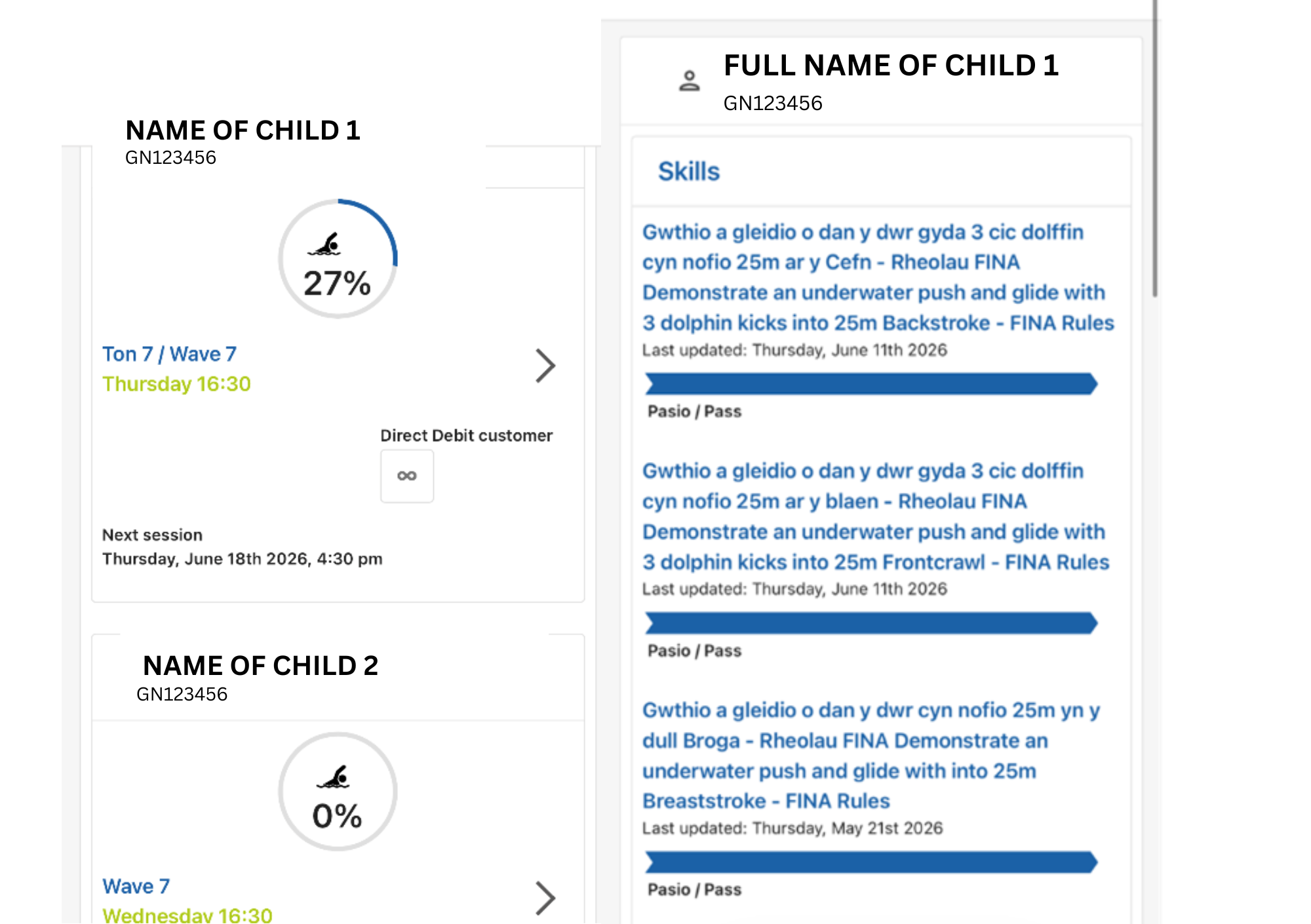
This is a system that enables parents/guardians to access their child’s swimming lesson progress report through the online Home Portal.
We will continuously assess the outcomes of the Swim Wales Learn to Swim Scheme as your child attends lessons. As your child progresses through the programme, their achievements will be rewarded with various awards, e.g. badges and certificates.
To allow time for the system to update, we kindly ask that you do not ask staff for weekly updates. Please allow up to 48 hours for the system to be updated.
Students who are ready to move up to the next wave will be marked on the system, and every effort will be made to find them a place. However, a place cannot be guaranteed. In these cases, the child will remain in their current lesson until a space becomes available.
Swimming teachers use a mobile tablet during swimming lessons to access the background system and update individual information and progress. This is where attendance is recorded and progress is tracked against Swim Wales criteria, which are required to complete the relevant stage.
All parents who have a child attending swimming lessons will receive an email to register during their child’s swimming lesson. The email will be sent to the email address registered on the child’s account. The email will be sent from cyrsiaucourse.notifacation@bywniach.cymru, so please keep an eye out for it and check your junk or spam folder if it does not appear in your inbox. If you have not received an email, your details may need to be updated on the system. If this is the case, please contact reception. You will receive the email shown below; please follow the link provided in the email.
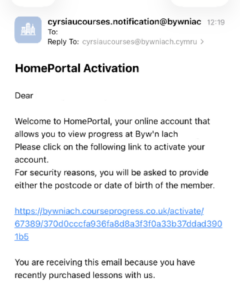
You will then need to enter either the date of birth or postcode of the child attending swimming lessons.
Continue to the next page and complete the ‘YOUR ACCOUNT DETAILS’ section. Once completed, your child’s account will be set up.
On the home page, there will be a ‘+ ADD MEMBER’ button. Click on this.
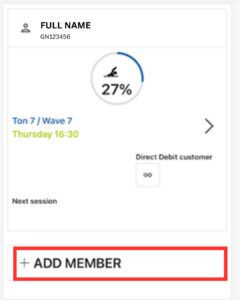
On the next page, you will be asked to enter the child’s Member Number (this number can be found on the back of the membership card and begins with GN). You will then need to enter either the child’s date of birth or postcode of the child being added.
If the information you have entered is correct, the additional member will be added on the home page.